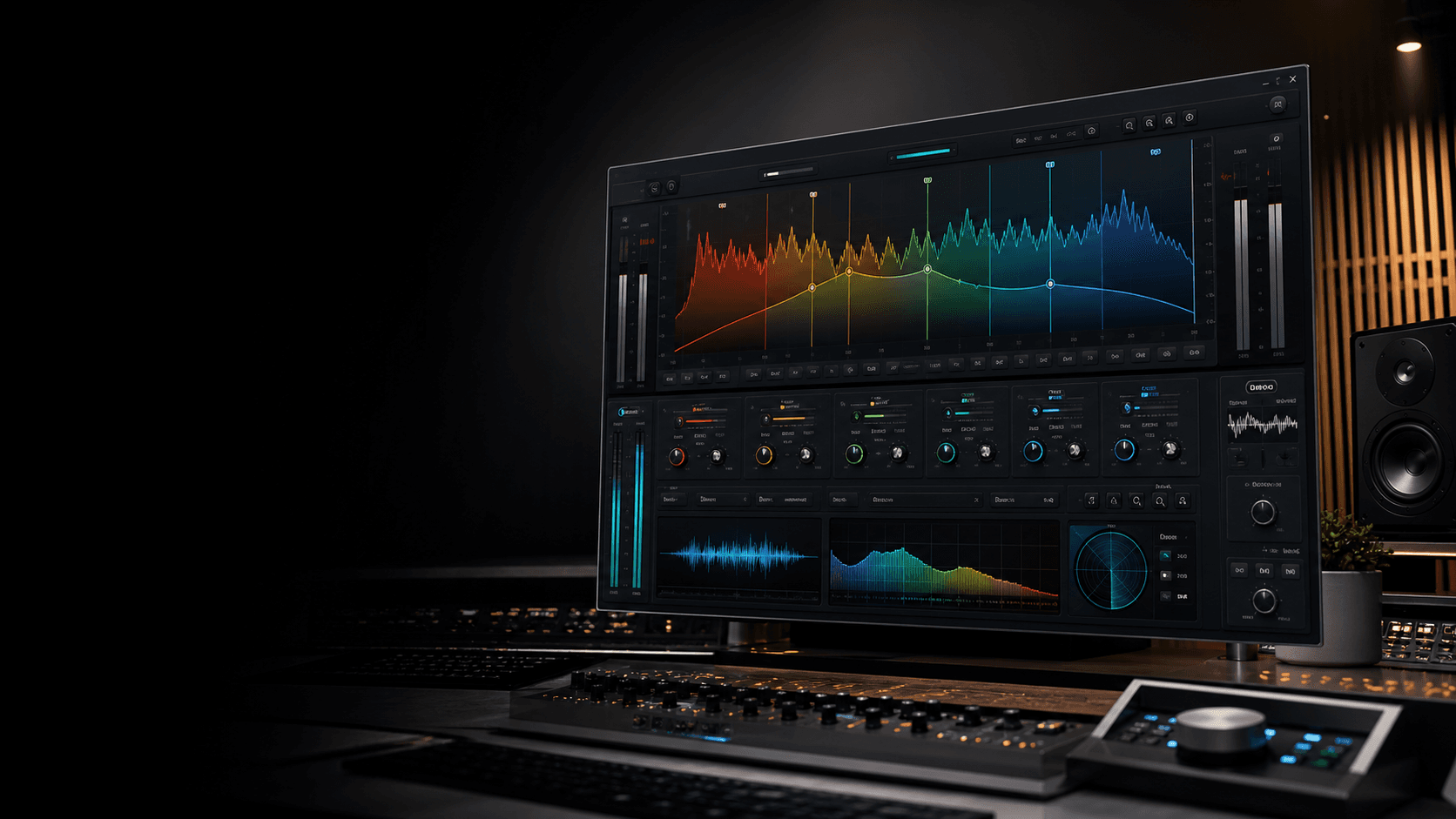
Real-Time AI Mastering Is Here: Our Biggest Mastering Update Yet
This is the biggest mastering update in Chosen Masters history. After building The Chosen Master, our flagship mastering plugin, we focused on a harder problem: creating a real-time AI mastering workflow on the web, with that same high-end mastering experience connected directly to AI analysis and mastering adjustment.
The result is a new real-time AI mastering workflow designed to remove the slowest part of online mastering. Instead of waiting through a traditional upload and render loop just to hear a change, artists can get to playback with no traditional upload wait, preview mastering decisions almost immediately, adjust direction, and render quickly when the sound is right.
What changed
Real-time mastering in the browser
Hear the mastering chain respond while you work, without the old upload-wait-listen-repeat cycle.
The Chosen Master sound on the web
The same core mastering direction behind our flagship plugin now powers an interactive web mastering workflow.
AI analysis and adjustment
Our AI engineer analyzes the song and moves mastering settings toward a cleaner, louder, more release-ready result.
AI reference mastering
Add a reference master you love, and the system studies the spectrum and balance to guide the master toward that target.
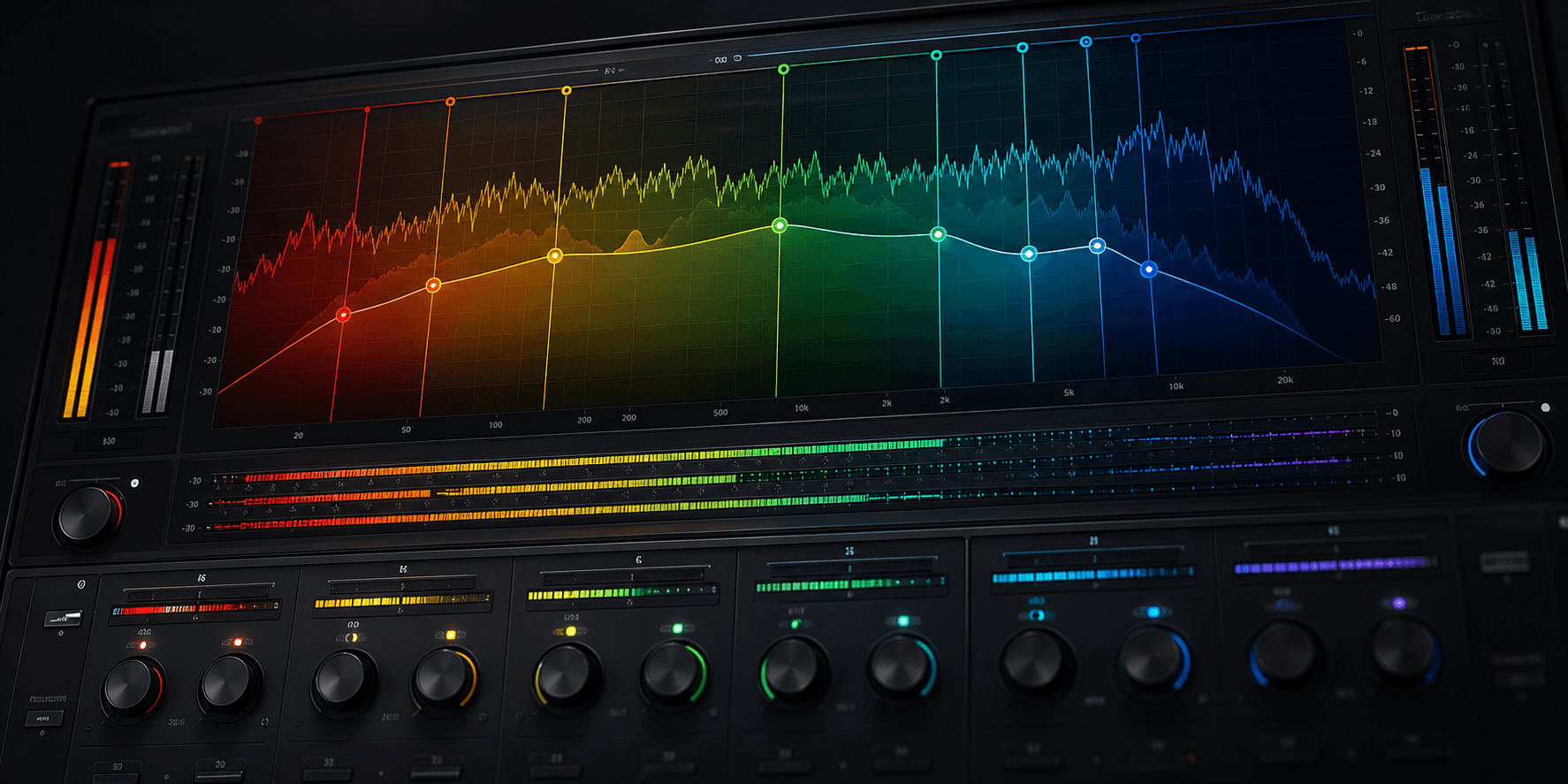
The Chosen Master sound, rebuilt for real-time web mastering
The Chosen Master was built as a serious mastering plugin for DAW users. Bringing that feel to the browser meant more than making a web page that uploads files. We needed the mastering chain to behave like a responsive audio tool: fast enough to hear decisions, stable enough for production, and connected deeply enough for AI to make useful moves instead of vague suggestions.
That real-time layer changes the creative process. You can make a mastering decision, hear the result, and keep moving. For beginners, it removes the mystery from the process. For experienced ears, it makes A/B decisions faster and more precise.
How the AI mastering workflow works
- 1Open the real-time mastering experience and load your track.
- 2The engine analyzes tonal balance, energy, dynamics, and frequency distribution.
- 3The Chosen Master processing chain runs live in the web experience so you can hear changes immediately.
- 4Optional reference mastering lets the AI compare your track against a finished master you admire.
- 5Render the final master quickly once the direction feels right.
New: AI reference mastering
Reference mastering is one of the most important ways engineers communicate taste. You might love the low-end shape of a favorite artist, the bright vocal presence of a pop record, the smooth top end of a classic master, or the density of a modern dance track. Now you can bring that direction into the mastering session.
With AI reference mastering, users can add a reference master they like. The AI engineer analyzes the full frequency spectrum and balance of that reference, compares it against the user's song, and adjusts Chosen Masters settings to move the master toward that target while still respecting the original mix.
No more waiting just to know if the master is right
Online mastering has usually meant a delay between every creative question and every answer. Upload the song. Wait for analysis. Wait for processing. Download or preview. Decide it needs a different direction. Repeat.
Real-time AI mastering compresses that loop. The web app can feel much closer to sitting with an engineer and moving through options together. The system can analyze, adjust, preview, and render with far less friction, which is exactly what mastering needs.
Coming soon: chat with the AI audio engineer
The next step is a chat agent interface for mastering. Instead of learning every control first, users will be able to ask for changes in plain English and let the AI audio engineer translate that into mastering moves.
- Chat with the AI audio engineer in plain English.
- Ask for more warmth, less harshness, more club loudness, softer highs, bigger low end, or a closer match to a reference.
- Iterate until the master feels right for beginners, producers, and critical ears.
That matters because mastering language is human. Artists do not always think in ratios, thresholds, stereo width, LUFS, or band curves. They think in feeling: brighter, warmer, wider, tighter, more analog, less harsh, closer to the song they love. The AI audio engineer is being built to understand that language and keep adjusting until the master feels finished.
Why this update matters
Chosen Masters has always been about making serious mastering more accessible. This update brings together the sound of our flagship plugin, real-time web audio, AI analysis, reference matching, and fast rendering into one workflow. It is a major step toward a future where an artist can get mastering feedback instantly, shape the final sound interactively, and finish the master without leaving the browser.
Try the new mastering workflow
Open Chosen Masters, master a track, and compare the new real-time AI workflow against your current process.