















AI Online Audio MasteringHear your mix become a master

Master your music online with AI-assisted processing and real-time controls. Compare your original mix, shape the sound, and choose the master that fits your track.

Free previews include a watermark. Clean downloads require a Master Credit or an eligible subscription.

Explore the free online mastering preview

How to master your music online

Take your finished mix through analysis, comparison, and final export in one online mastering studio.

Start with a free watermarked preview. Listen and adjust before choosing a paid download option.

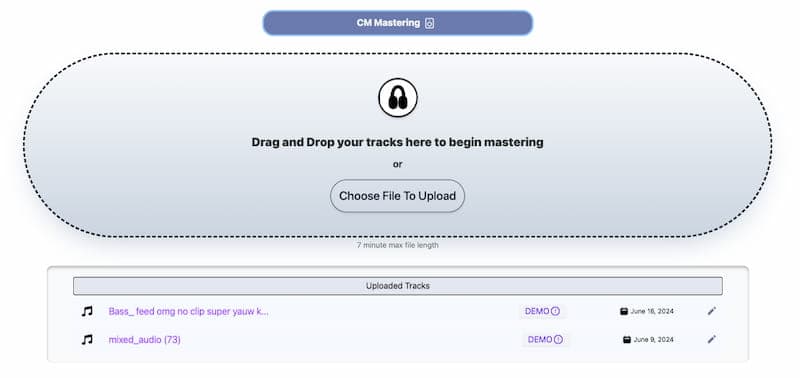
Start with a stereo mix in a supported audio format, such as WAV or MP3. Drag it into the studio or select it from your device.

1. Add your finished mix

Watch the online mastering studio in action

Follow Chosen Masters

Shape the tonal balance

Adjust the balance of lows, mids, and highs so the master supports the character of your mix.

Keep your creative direction

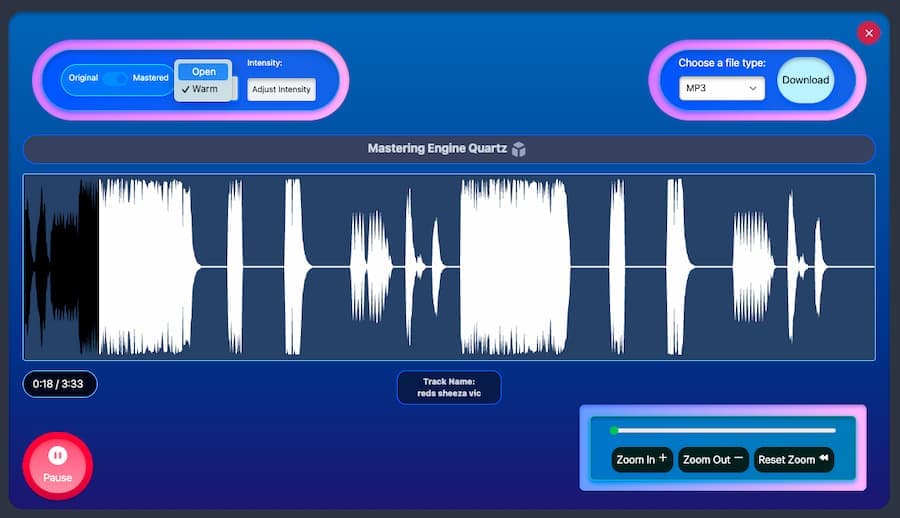
Use presets as a starting point, then choose the sound that suits your song instead of accepting a single fixed result.

Hear changes as you work

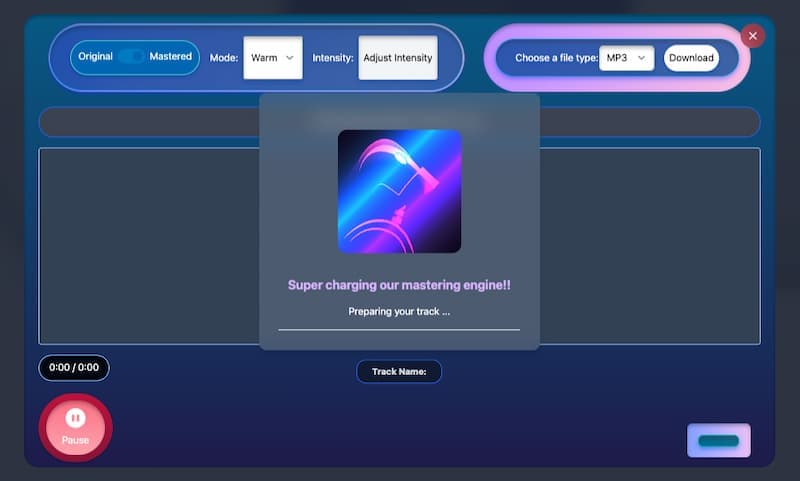
Real-time playback lets you hear processing adjustments while you make them, keeping the focus on listening.

Choose your loudness

Balance loudness and dynamics for your track. Check the meters and listen for distortion before committing to the master.

Compare before and after

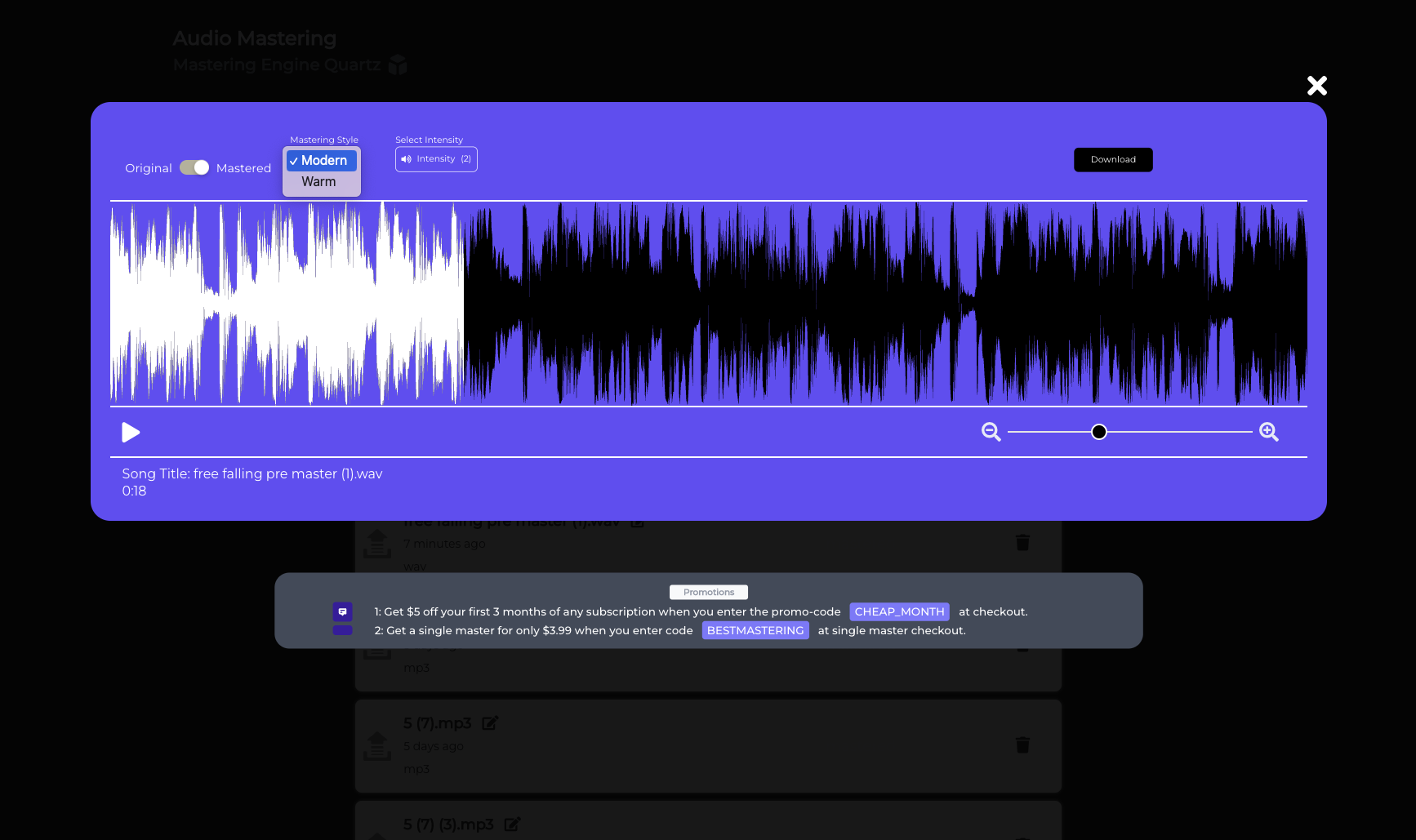
Switch between the unmastered mix and the processed signal to judge how each decision changes the music.

Finish in the right format

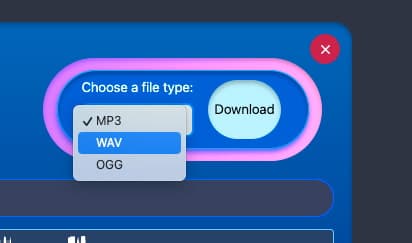
Render a clean WAV or MP3 when you are ready. A Master Credit covers one track, and subscriptions suit regular releases.

Questions about online audio mastering

What is AI audio mastering?

Mastering is the final audio-processing step after mixing. Chosen Masters uses AI-assisted analysis and audio processing to help you shape tonal balance, dynamics and loudness. You can listen to the result, adjust the settings and compare it with your original mix.

Can I try online mastering for free?

Yes. You can try the free mastering preview and compare the sound before paying. Free previews include an audio watermark. A clean, watermark-free download requires a paid Master Credit or an eligible subscription.

Can I change the mastering settings?

Yes. Start with a preset, then adjust the processing and loudness while listening. Use before-and-after playback to decide whether the master improves your mix rather than judging it by volume alone.

Can I download my mastered track as WAV or MP3?

Yes. The mastering workspace supports WAV and MP3 exports. Choose the format and available export settings that suit your release after unlocking a clean download.

Does buying one master start a subscription?

No. A single Master Credit is a one-time purchase for one track. Monthly and yearly subscriptions are separate options for artists who master music regularly. Check the selected option and price before paying.

Does mastering replace mixing?

No. Mastering works on the combined mix. Fix problems such as clipping, an overpowering vocal or an instrument balance issue in your mix first, then use mastering to make final adjustments to the whole track.

More tools for making and releasing music

Explore our music studio, audio tools, and creative products alongside online mastering.

Audio Boosted Chrome Extension

AI audio mastering in your browser

Enhance your audio experience with Audio Boosted by Chosen Masters. Our free Chrome extension offers real-time audio mastering and boosting with a range of powerful presets and advanced controls. Enjoy professional sound quality directly in your browser.

Real-time Audio Mastering
Experience professional audio mastering and boosting directly in your browser. Enjoy high-end sound quality with real-time enhancements.
Preset Variety
Choose from a variety of presets like Clear Vocals, Warm & Clear, Powerful, Bass Boosted, Treble Boosted, New York Compression, and Jazz Band to suit your audio needs.
Advanced Audio Controls
Utilize a 3-band EQ, compressor with adjustable settings, gain staging, and a limiter to prevent redlining. Perfect for audiophiles and professionals.
Audio Boosted Chrome Extension


Learn more about audio mastering and mixing

The Yin and Yang of Mixing and Mastering: How They Work Together
ArticleThe Yin and Yang of Mixing and Mastering: How They Work Together

Understand the different jobs mixing and mastering do, and how a well-balanced mix gives you a stronger starting point for the final master.

Audio Mastering: The Importance for Musicians and Producers
ArticleAudio Mastering: The Importance for Musicians and Producers

Learn what mastering can change in your audio, from tonal balance and dynamics to the overall loudness of a finished track.

Cloud-Based Audio Mastering Software: Everything You Need to Know
ArticleCloud-Based Audio Mastering Software: Everything You Need to Know

Explore how online mastering works and what to listen for when choosing a mastering workflow for your music.

Chosen Masters Logo  only

Ready to hear your mastered track?Start with a free preview of your own mix.